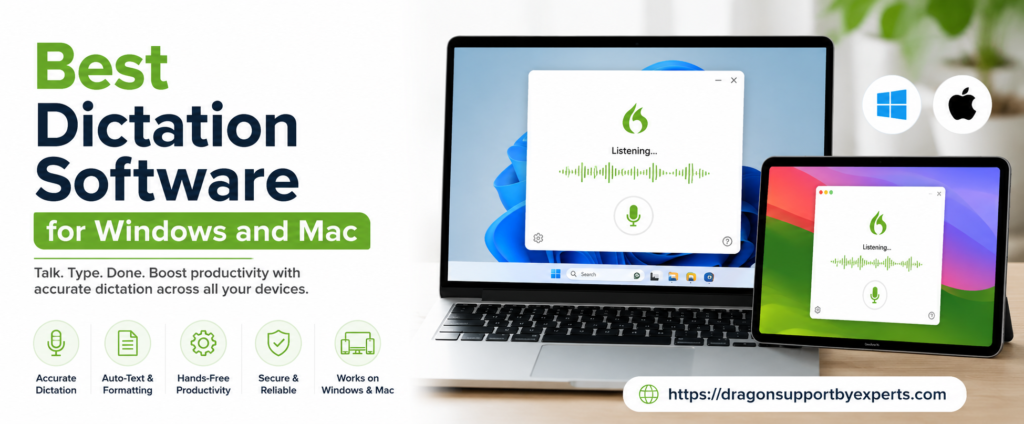
7 Best Dictation Software For Windows And Mac (Paid + Free)
Here are some of the best dictation software for Windows and Mac users that must be on your bucket list. This game-changer software can do the legwork while you focus on your productivity.Free Versions
Here are some of the free dictation tools mentioned below. Go through all of them at once.Google Docs Voice Typing
 There is a voice typing feature in Google Docs. This properly works on Windows and Mac via the Google Chrome browser. It works strongly on both platforms. It transcribes speech into high-accuracy text in multiple languages, making it an excellent option for someone looking for a free, web-based solution.
| Plan type |
|
| Eligible users |
|
| Features |
|
Speech To Text By Dictation.io
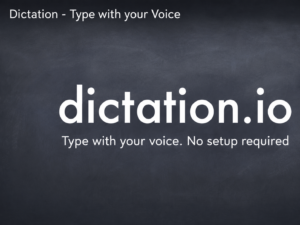 Dictation.io is a browser-based tool that works quite well for Windows and Mac. Its interface is very easy to understand and also supports various languages. If you are looking for quick speech-to-text functionality without installing software, this is the right fit for you.
| Plan type |
|
| Eligible users |
|
| Features |
|
Windows Voice Access
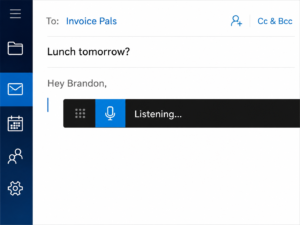 Windows voice access is one of the powerful tools for Windows 11, which helps to have full control over your computer and also dictate text with the help of your voice only (paid)
| Plan type |
|
| Eligible users |
|
| Features |
|
Microsoft Dictate
 It is one of the best dictation tools that works quite well with Outlook, Word, and PowerPoint in Microsoft Office. This Windows-free dictation software supports accurate speech recognition and performs in different languages. All Microsoft users will find it useful.
| Plan type | Free |
| Eligible users |
|
| Features |
|
Paid Versions
These are some of the paid versions of the dictation mentioned below.Apple Dictation
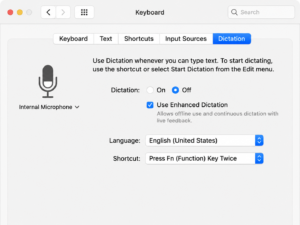 All Mac users can open any application directly from Apple Dictation. This is a simple solution, yet very effective with an internet connection for enhanced dictation.
| Plan type |
|
| Eligible users |
|
| Features |
|
Available In Both Free And Paid Versions
Here are some of the dictation tools that you can get in both free and paid versions. Go through all of them at once.Otter.ai
 Whether you are a Windows or Mac user, you can access it. Otter AI has a real-time transcription tool for meeting note-taking, lecture halls, and conversations. It has accuracy, and transcripts come in instantly.
| Plan type |
|
| Eligible users |
|
| Features |
|
Braina (Free Braina Lite And Paid Braina Pro)
 Braina is one of the free dictation software programs for Windows. It includes voice commands and dictation in multiple languages. This free version is lighter than the paid one, but it still works quite well for all the crucial dictation tasks.
| Plan type | Free (Braina Lite) and (Paid Braina Pro) both |
| Eligible users | Brain lite Educators and students Professionals and teams Enterprises Journalists Researchers Braina pro Automatic meeting notes Supports keyword research Cloud storage Real-time captions Automated meeting summaries |
| Features | Brain lite Voice commands Basic pc control Virtual assistant functions Supports the English language Web search assistance Brain Pro Workflow automation Custom vocabulary recognition Real-time voice typing Remote pc control through mobile app Hands-free text editing |
What Are The Benefits Of Using Dictation Software?
Here are some of the advantages of using dictation software mentioned below. Go through all of them at once.- Provide Ease In Physical Strain
- Supports Multitasking
- Increase Speed
- Accessible To All